What makes a set of initials feel polished, personal, or downright elegant? Usually, it comes down to the monogram fonts you choose. Whether you’re designing wedding stationery, personalizing a tote bag, or building a brand identity, the typeface carrying those two or three letters does most of the heavy lifting. The good news is that free monogram fonts are more accessible than ever, and the range of styles available has expanded well beyond the traditional intertwined scripts of the past.
This guide walks you through the major monogram font styles, shows you where to track down a quality monogram font free of charge, explains what to look for in a monogram letters font, and covers practical tips for putting everything together in your design software. Whether you’re a seasoned designer or just getting started, you’ll find options that fit your skill level and your project.
What Are Monogram Fonts and Why Do They Matter?
A monogram is a motif made by combining two or more letters — typically initials — into a single, unified design. Monogram fonts are typefaces built specifically to support this combining process, often featuring letters designed to interlock, overlap, or align in a visually satisfying way. Unlike standard text fonts, they’re engineered for decorative and personal use: on towels, invitations, signage, logos, and gifts.
The distinction matters because not every script or display typeface works as a monogram letters font. You need characters with the right proportions, flourishes, and negative space to hold up when two or three letters share the same visual frame. Choosing the wrong typeface leads to crowded, hard-to-read initials that undercut the whole point of the design.
Popular Monogram Font Styles to Know
The world of monogram font styles breaks down into a handful of recurring categories. Understanding each one helps you match the right aesthetic to the right project.
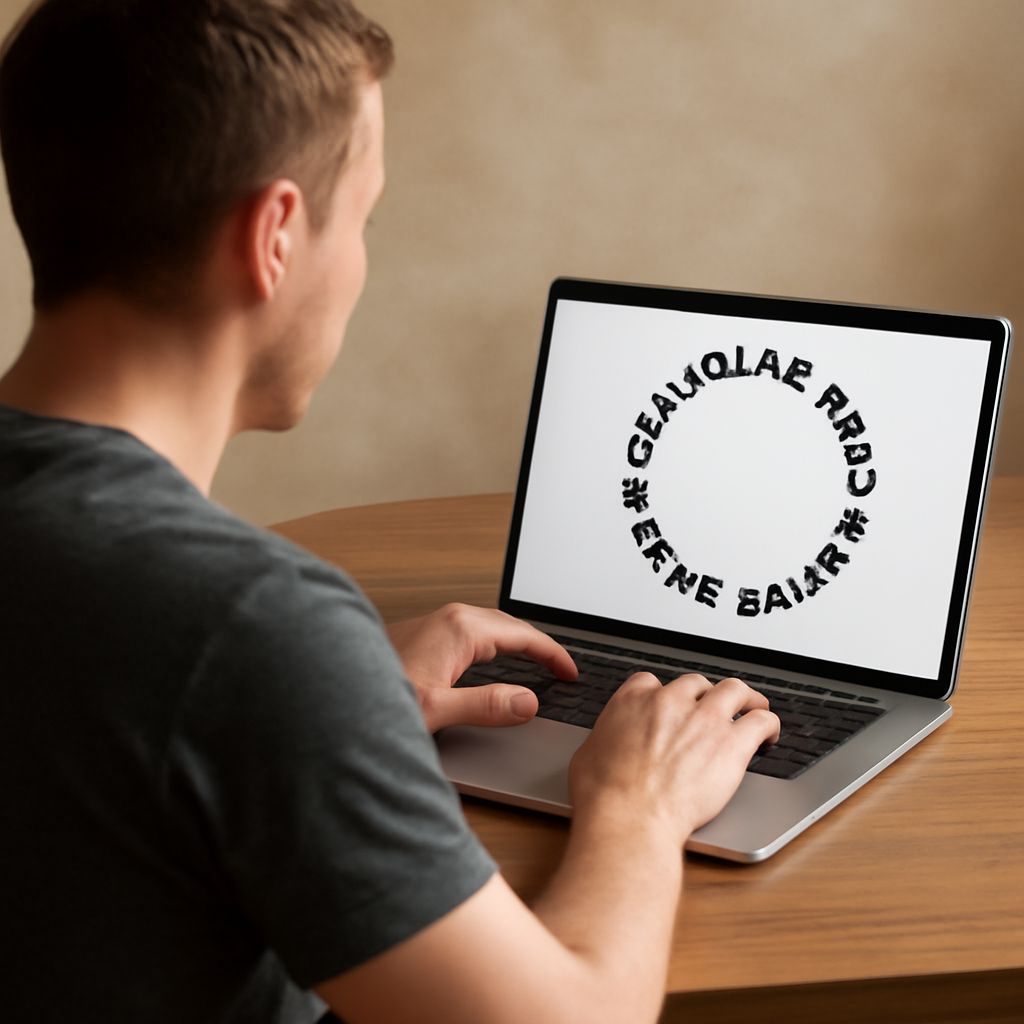
Classic Circle Monogram Style Circle monograms place the last-name initial at the center in a larger size, flanked by smaller first-name and middle-name initials. This arrangement is traditional in the American South and remains a go-to for wedding gifts, custom linens, and personalized stationery. Fonts designed for this layout keep the central character wide and bold while the flanking letters stay lightweight.
Split Letter Monograms Split letter designs take a single large initial and divide it — usually vertically — so that the interior of the letterform becomes a decorative field. These work especially well for vinyl cutting and laser engraving because the split creates a clear boundary between the letter body and any fill pattern. When you browse free monogram fonts, you’ll notice this style frequently offered in SVG-friendly formats.
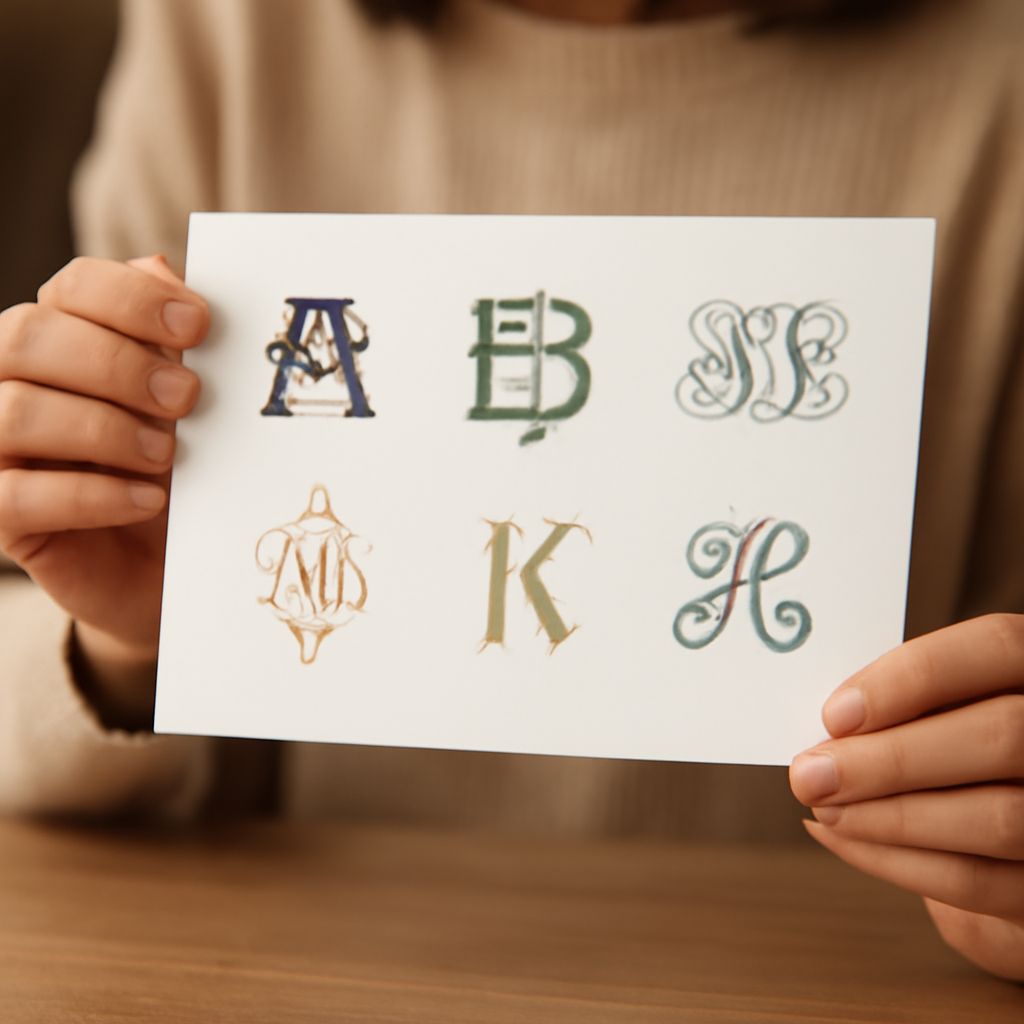
Vine and Script Variations Vine monogram fonts use flowing, botanical flourishes that extend from the main letterforms, creating an ornate, handcrafted feel. Script variations take a similar approach but lean toward calligraphic letterforms rather than floral decoration. Both styles suit weddings, formal stationery, and luxury branding. They can be harder to read at small sizes, so reserve them for large prints or embroidery where the detail reads clearly.
Block and Bold Options Not every project calls for elaborate calligraphy. Block monogram fonts use clean, geometric shapes that work well on sportswear, corporate merchandise, and contemporary packaging. Because the letterforms are simple and sturdy, they scale down without losing legibility — a practical advantage when you’re embroidering on a polo shirt collar or printing on a pen.
Where to Find Free Monogram Fonts
A strong monogram letters font doesn’t have to cost anything. Several well-maintained repositories offer professional-quality options you can download and use today.
Top Sites for Monogram Font Free Downloads
Font Squirrel, DaFont, and Creative Fabrica all host collections of monogram font free downloads. Font Squirrel is particularly useful because it filters for commercial-use licenses by default, saving you the step of reading the fine print. DaFont has a broader raw selection but requires careful license checking. Creative Fabrica offers a mix of free and paid options, often bundling a font with matching SVG elements. Beyond those three, the Google Fonts library doesn’t specialize in monograms, but it includes script and display fonts that pair well with dedicated monogram lettering when you need supporting text.
Checking License Terms Before You Use
Free doesn’t always mean unrestricted. Many monogram fonts are free for personal use only, which means you can’t sell products made with them without purchasing a commercial license. Before you build an Etsy shop around a particular typeface, check whether the designer has specified “personal use only,” “free for commercial use,” or “donation required.” This step protects you from potential copyright issues down the line.
Choosing the Right Monogram Letters Font for Your Project
Once you know the monogram font styles available to you, the next step is matching them to your specific context.
Matching Style to Medium
Embroidery favors fonts with thicker strokes and minimal fine detail, because thin hairlines get lost in thread. Laser engraving on wood handles the same consideration differently: intricate vine scripts can look stunning when the laser has enough resolution. Vinyl cutting works best with designs that have clear cut paths — split letter styles and bold block formats excel here. Digital use on screens is the most forgiving medium, but you should still test the monogram at the actual display size rather than relying on how it looks zoomed in on your design canvas.
Pairing Fonts for Visual Balance Many monogram designs include a supporting typeface for names, dates, or taglines. When pairing, contrast is your friend: a decorative vine script pairs naturally with a clean, minimal sans-serif. A bold block monogram can carry a lightweight italic beneath it without competition. The key is that the secondary font should support the monogram, not compete with it. Keep the supporting text at a noticeably smaller size and lower visual weight than the central letterforms.
Tips for Using Monogram Fonts in Design Tools
Most design applications — Adobe Illustrator, Canva, Cricut Design Space, Procreate — handle monogram fonts differently. In Illustrator, convert your text to outlines before submitting files for print or cutting, which prevents font substitution errors on another machine. In Cricut Design Space, upload SVG files when the font designer provides them, as SVGs retain the exact paths needed for clean cuts. Canva works well for digital monograms but has limited control over letter spacing; use the letter-spacing slider carefully when your initials start to crowd each other.
When you get your spacing right, overlap two script letters slightly so their connecting strokes merge rather than gap. This small adjustment makes the finished piece look intentional rather than like two letters placed side by side. Practice on scrap material before committing to an expensive substrate, and always proof the final arrangement at actual size before production.