Have you ever scanned through a bookstore or a digital library and found yourself drawn to a particular book cover? It’s the first impression of a book, a powerful visual cue that can entice a potential reader to pick up the book. If you’re an author or a publisher, you understand how crucial it is to have an eye-catching cover. But how do you learn how to design a book cover that stands out in a sea of options? With the advent of technology, free book cover maker tools offer invaluable assistance, providing easy access to a variety of design options and typography tips.
Whether you are publishing your first novel or looking to rebrand an existing title, using a book cover creator can give your book the professional edge it needs. In this article, we will explore the significance of a well-designed cover, delve into the choice of typography, discuss the advantages of free book cover maker tools, and offer a step-by-step guide on how to design a book cover that captures your story’s essence and attracts your target audience.
Understanding the Importance of a Book Cover
A book cover is not merely a protective layer; it serves as a marketing tool and a storyteller. It provides a sneak peek into what the book is about and sets the tone for the reader. A well-crafted cover can intrigue potential buyers and convey the genre, mood, and uniqueness of your book. It’s crucial to understand that the design should resonate with your audience while reflecting the book’s theme and content effectively.
When you learn how to design a book cover, it’s vital to consider the emotional and psychological impact of colors and images. These elements should align with the narrative and engage viewers visually and cognitively, compelling them to explore further. A thoughtfully designed cover can make the difference between a book being picked up or ignored.
Choosing the Right Typography for Your Cover
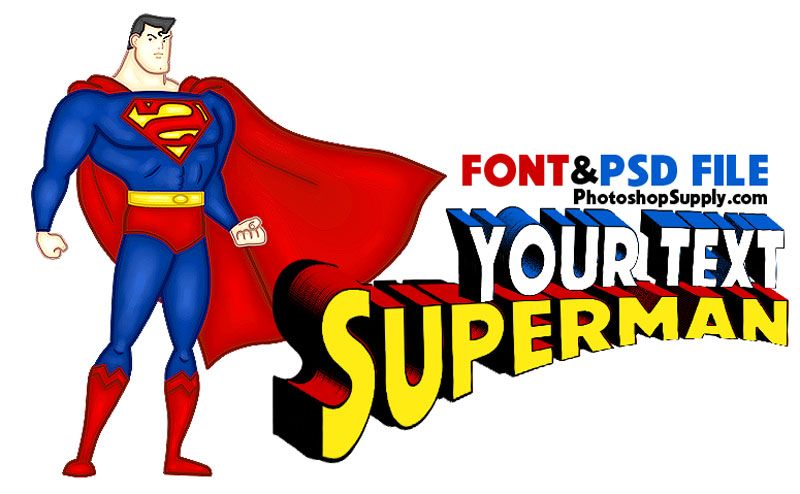
Typography plays a pivotal role in your book cover design. It communicates the tone and style of your book and can greatly influence the reader’s perception. When selecting fonts, consider the genre and target audience. For instance, a thriller might benefit from bold, sharp fonts, while a romance novel might opt for elegant, cursive lettering.
Typography tips suggest balancing readability with artistic flair. The title should be clear and legible at a glance, even when viewed in thumbnail size online. Combining different fonts can create hierarchy and interest, but it’s essential to ensure harmony between them. Experiment with sizes, weights, and colors to find the right combination that complements the overall design.
Using a Book Cover Creator to Design Your Cover
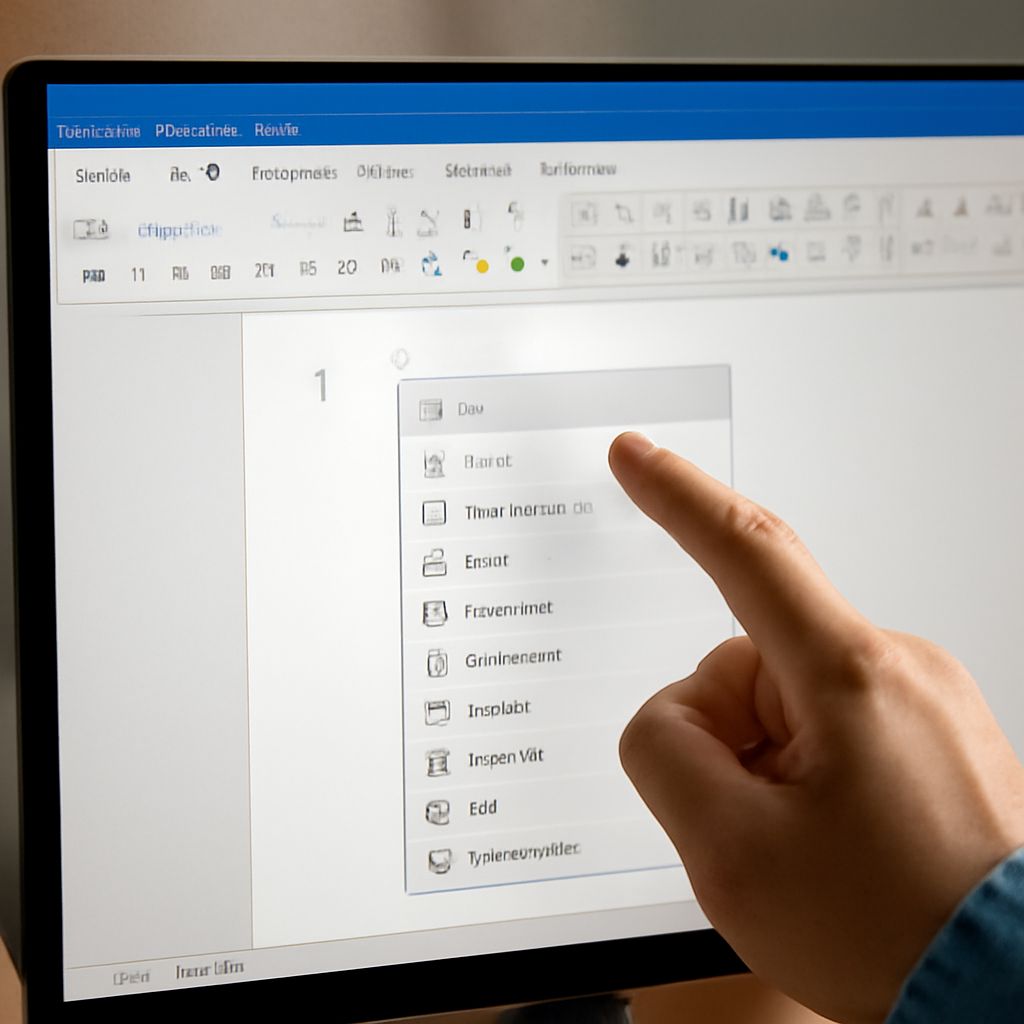
A book cover creator is a tool designed to simplify the design process for authors and publishers. It offers various templates and customization options, allowing you to experiment with different styles and layouts. These tools are user-friendly and do not require extensive graphic design knowledge, making them accessible to anyone aspiring to create an impactful cover.
When using a book cover creator, start by exploring different templates and design elements. Play around with colors, typography, and images until you find a combination that resonates with your book’s theme. These tools often include drag-and-drop features, making it easy to visualize and tweak your design before finalizing.
Free Book Cover Maker Tools and Their Benefits
Free book cover maker tools are a boon for self-published authors and small publishers working with limited budgets. These tools provide access to a wide array of design options without financial constraints. They enable you to create professional-grade covers that can compete in the marketplace.
The benefits of these tools extend beyond cost-effectiveness. They often include intuitive interfaces, step-by-step guidance, and a range of customizable templates that cater to various genres and styles. This flexibility allows you to craft a cover that reflects your book’s personality while saving time and resources.
Step-by-Step Guide: How to Design a Book Cover
Designing a book cover involves several steps. Begin with research: analyze covers in your genre and identify what elements resonate with your target audience. Next, conceptualize your design by sketching ideas and gathering inspiration.
Choose a book cover creator and start experimenting with templates. Select your typography and color scheme based on your research and initial ideas. Refine your design by adjusting elements and seeking feedback from peers or potential readers. Finally, ensure that your cover is adaptable for print and digital formats, maintaining quality across different mediums.
Exploring Different Cover Maker Options
The market offers a plethora of cover maker options, each with unique features and strengths. Some popular choices include Canva, Adobe Spark, and BookBrush, each providing distinct interfaces and tools. Exploring these options will help you find a tool that matches your design style and technical comfort level.
Consider the specific needs of your project when selecting a tool. If you require advanced customization, a tool like Adobe Spark might be beneficial. Alternatively, if you seek simplicity and ease of use, Canva could be an ideal choice. Evaluate the pros and cons of each option to make an informed decision that aligns with your creative vision.