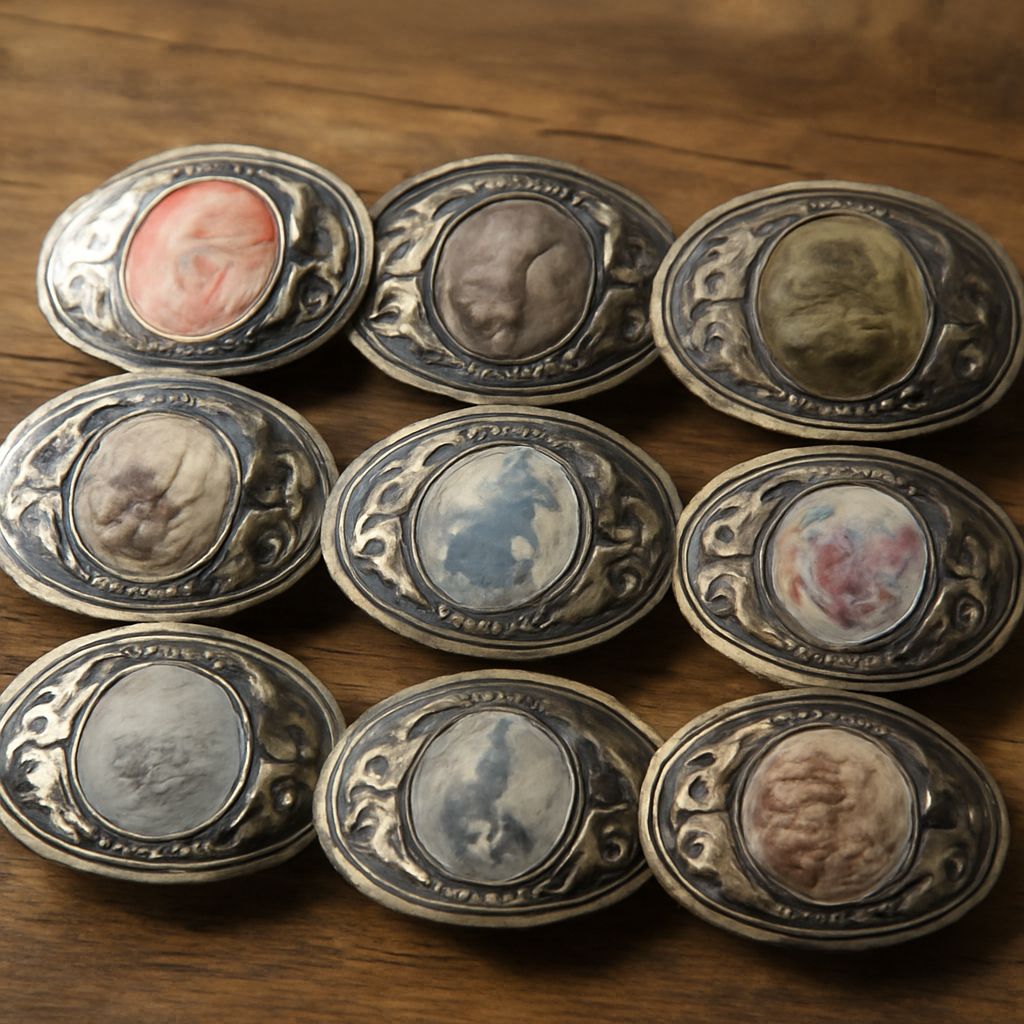
Have you ever wondered how to make your own belt buckle that truly reflects your personal style? With the rise of digital illustration, designing custom belt buckles has become an accessible and exciting way to express creativity. Whether you’re a fashion enthusiast or a designer, the possibilities are endless when you combine artistic vision with modern technology.
This guide will take you through the process of creating custom belt buckles using digital illustration. From understanding the benefits of this approach to exploring the necessary tools and steps, you’ll learn how to transform your ideas into unique fashion statements. Let’s dive into the world of digital illustration and discover how you can make your own belt buckle.
Introduction to Custom Belt Buckles
Custom belt buckles are more than just functional accessories; they are a canvas for personal expression. Historically, belt buckles have been used to convey status, affiliation, and style. Today, the ability to design your own belt buckle allows you to take this tradition into the digital age, offering endless opportunities for creative exploration.
With digital tools, you can easily translate your designs from concept to reality. Whether you prefer intricate patterns, bold graphics, or subtle elegance, digital illustration offers a platform to showcase your unique taste. Designing a belt buckle becomes a journey of artistic exploration and personal expression.
Why Choose Digital Illustration for Belt Buckles
Digital illustration provides unparalleled flexibility and precision, making it an ideal choice for designing custom belt buckles. Unlike traditional methods, digital tools allow you to experiment with colors, textures, and shapes effortlessly. You can easily make adjustments and see instant results, empowering you to refine your design until it perfectly matches your vision.
Another advantage of digital illustration is its accessibility. You don’t need a studio full of expensive equipment to start designing. A computer and the right software can unlock a world of creative possibilities, enabling both beginners and experienced designers to make your own belt buckle with ease.
Steps to Make Your Own Belt Buckle
Creating a custom belt buckle involves several steps, each requiring attention to detail and creativity:
- Conceptualize Your Design: Begin by brainstorming ideas and sketching rough drafts. Consider the themes or symbols that resonate with you.
- Choose Software: Select a digital illustration tool that suits your skill level and design needs. Popular options include Adobe Illustrator and CorelDRAW.
- Create Your Design: Use the software to draw and refine your design. Experiment with different elements to find the perfect balance.
- Review and Adjust: Take a step back and evaluate your design. Make necessary tweaks to ensure it aligns with your vision and desired aesthetic.
- Finalize and Export: Once satisfied, export your design in a suitable format for manufacturing or further refinement.
Following these steps will guide you in creating a belt buckle design that is truly your own, capturing your style and creativity.
Tools and Software for Digital Illustration
To make your own belt buckle through digital illustration, you’ll need the right tools and software. Here are some popular choices:
- Adobe Illustrator: Known for its versatility and precision, Adobe Illustrator is a favorite among designers. It offers a wide range of tools for creating intricate and detailed designs.
- CorelDRAW: This software provides powerful vector illustration capabilities, making it ideal for crafting complex and scalable belt buckle designs.
- Procreate: If you prefer working on a tablet, Procreate offers a user-friendly interface and a variety of brushes for digital painting and illustration.
- Inkscape: A free alternative, Inkscape is an open-source vector graphic editor that offers many features found in premium software.
Choosing the right tool will depend on your specific design goals and personal preferences. Each of these options provides unique advantages to help you create stunning custom belt buckles.
Tips for Designing Unique Belt Buckles
Designing a unique belt buckle requires creativity and attention to detail. Here are some tips to guide you:
- Embrace Your Style: Your belt buckle should reflect your personal taste. Don’t be afraid to incorporate elements that represent your interests and passions.
- Experiment with Texture: Digital illustration allows you to play with textures and finishes. Try different effects to add depth and dimension to your design.
- Focus on Balance: Ensure your design is well-balanced in terms of composition and color. An eye-catching belt buckle often combines simplicity with striking elements.
- Seek Feedback: Share your design with friends or fellow designers for constructive feedback. Fresh perspectives can offer valuable insights and enhancements.
By following these tips, you can create a belt buckle design that is not only visually appealing but also uniquely yours.
Conclusion: Expressing Creativity Through Custom Belt Buckles
Designing custom belt buckles through digital illustration is a rewarding process that combines creativity with technology. By learning how to make your own belt buckle, you open the door to endless possibilities in personal expression and fashion design.
Whether you’re creating a statement piece for yourself or crafting a unique gift for someone special, digital illustration offers the tools and freedom to bring your ideas to life. Embrace your creativity and start designing a belt buckle that truly reflects who you are.
Key takeaways: Custom belt buckles are a powerful medium for personal expression. Digital illustration empowers you to create unique designs with ease and precision. Dive into this creative process and let your imagination lead the way.