Grid Drawing Tool: Master Drawing with a Grid and Sketching Techniques
Have you ever struggled to transfer a reference image onto your canvas with accurate proportions? A grid drawing tool is one of the oldest and most effective methods artists use to solve exactly that problem. From Renaissance masters to contemporary illustrators, drawing with a grid has helped creators of all skill levels achieve precise, proportional results without relying on guesswork or expensive projectors.
Whether you’re working on portrait sketches, architectural drawings, or detailed illustrations, the drawing grid method gives you a reliable framework. In this guide, you’ll learn how to set up a sketch grid, how to use a drawing grid template, and how to apply the technique across different media — from pencil on paper to digital art applications.
What Is a Grid Drawing Tool?
The Basic Principle
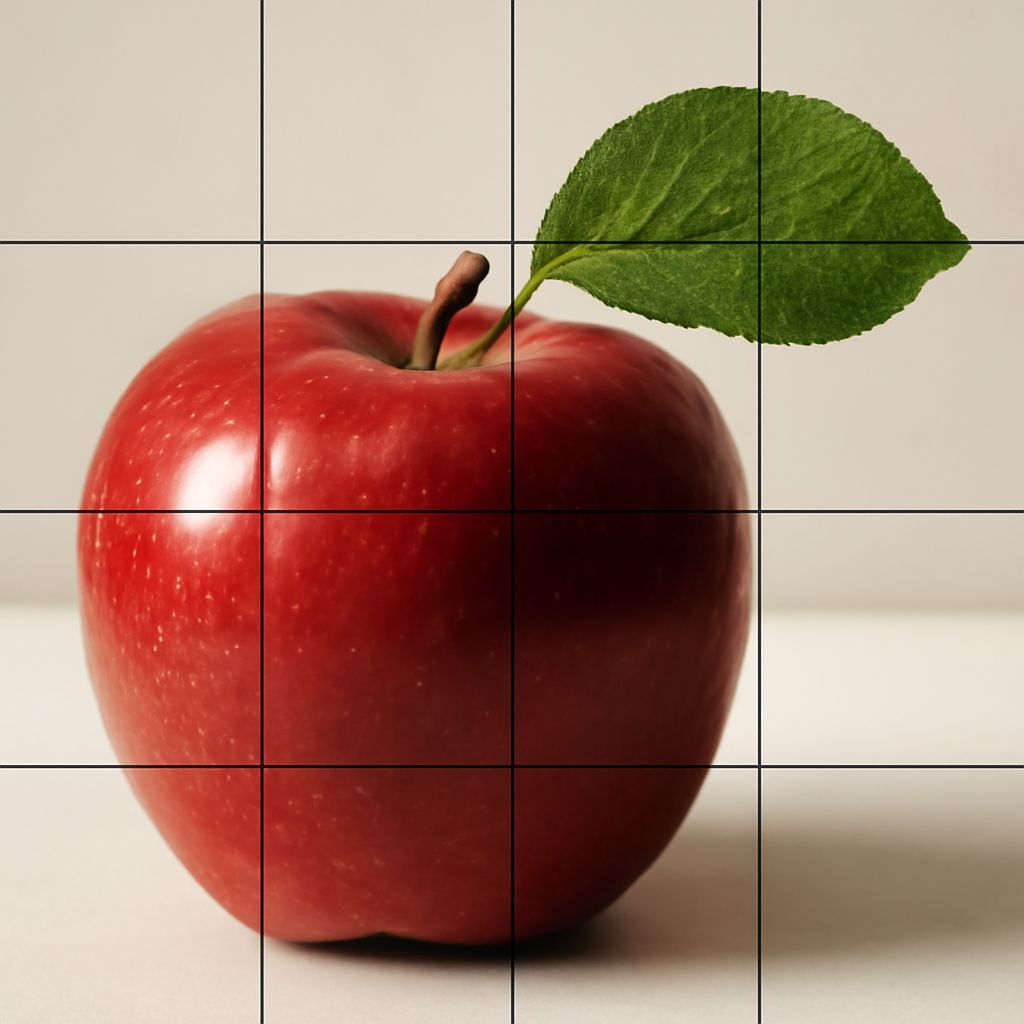
A grid drawing tool overlays a network of equally spaced horizontal and vertical lines over a reference image and a corresponding blank canvas. You then draw the contents of each cell individually, working square by square rather than trying to capture the whole composition at once. This breaks a complex image into manageable pieces, making proportion and placement dramatically easier to control.
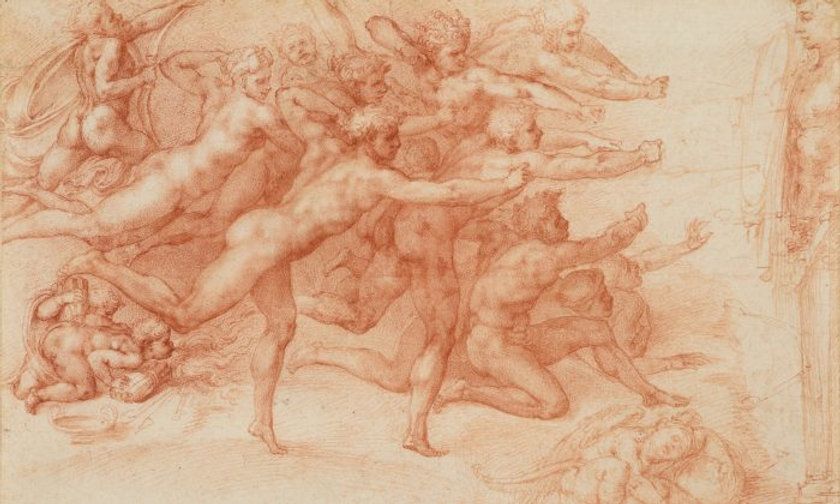
Artists have used this approach for centuries. Albrecht Dürer documented a mechanical version in the 15th century. Today, digital apps and printable templates make the setup faster than ever, but the underlying principle of the drawing grid remains exactly the same as it was for the old masters.
Types of Grid Drawing Tools
Physical grid tools include acetate overlays you place over a printed reference, purpose-built viewfinders with grid wires stretched across a frame, and printed drawing grid templates you can place beneath tracing paper. Digital artists can use built-in grid overlays in Procreate, Photoshop, or Clip Studio Paint. For traditional artists working digitally for the first time, browser-based grid generators let you upload a reference photo and print a gridded version at home.
How to Use a Drawing Grid Step by Step
Setting Up Your Reference Grid
Start by deciding on your grid size. Smaller cells (one inch or less) give more precision for complex details; larger cells work well for simple compositions or when you’re working quickly. Draw or print your sketch grid on the reference image, then create an identical grid on your drawing surface at whatever scale you want the final piece to be. Label each row with a letter and each column with a number so you can track your position.
Transferring the Image
Work through each cell methodically, copying only what falls within that specific square before moving to the next. Resist the temptation to look at the whole reference — focus only on the shapes, lines, and values within your current cell. This discipline is what makes drawing with a grid so effective: you’re essentially outsmarting your brain’s tendency to draw what it thinks objects look like rather than what they actually look like in your reference.
Erasing the Grid and Refining
Once you’ve transferred the full image, erase the grid lines lightly and step back to assess the overall result. At this stage, you can add shading, refine edges, and address any proportional issues before committing to ink or final color. Many artists use this moment for their most careful observational work, since the structural foundation is already in place.
Using a Drawing Grid Template
Pre-made drawing grid templates speed up the setup process considerably. Printable PDF templates come in a variety of grid sizes — from fine 0.5-inch grids suitable for portrait work to 2-inch grids for large-scale murals. Many are available free online, and some apps generate custom templates based on your specified dimensions.
A drawing grid template is especially useful for beginners who find ruling accurate lines by hand challenging. Simply print the template, place your reference alongside it, and begin transferring. As you gain confidence with the sketch grid method, you’ll likely find that you can work with larger cells and fewer reference points while maintaining strong proportional accuracy. That growth marks the point where the grid has done its job — training your eye to see and measure relationships in space.