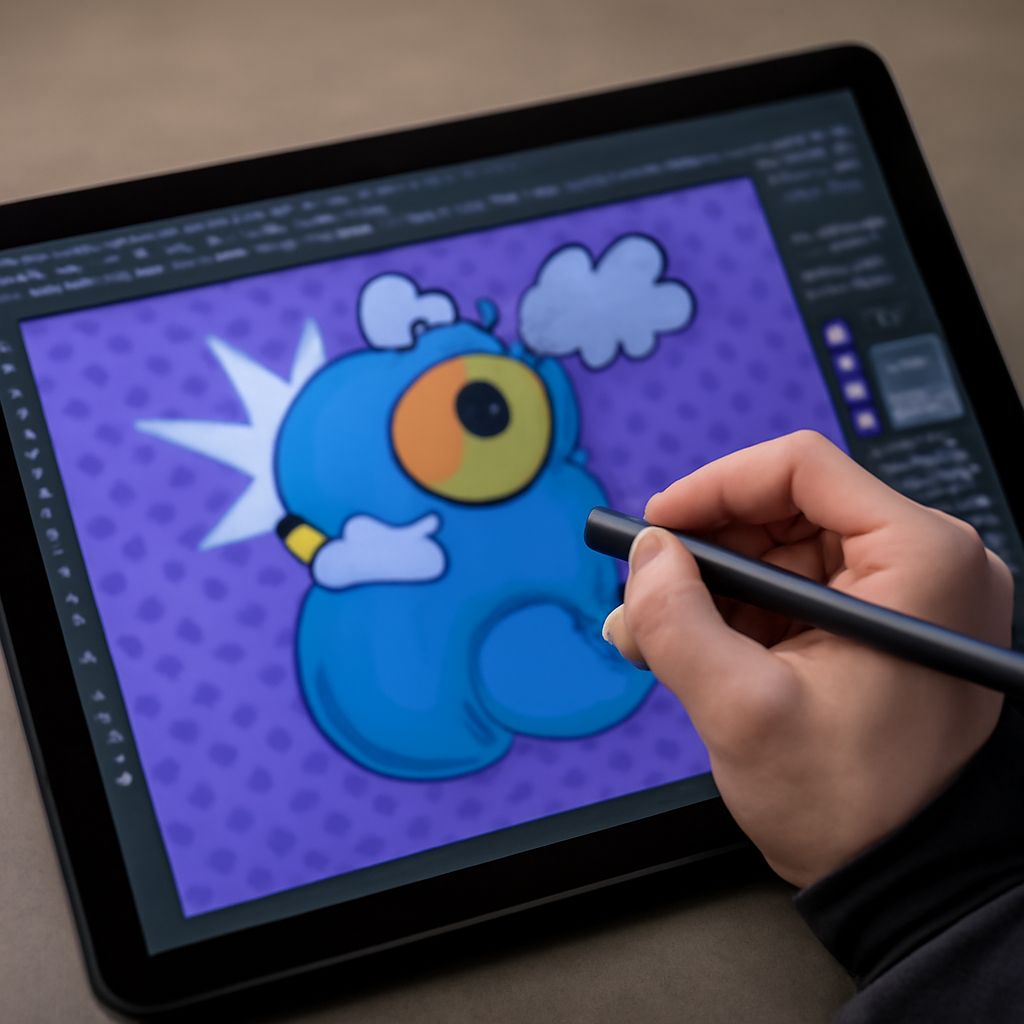
Have you ever felt restricted by the capabilities of Photoshop, yearning for something more to enhance your creativity? You’re not alone! Many creators have discovered the transformative power of free Photoshop plugins that elevate their projects from ordinary to extraordinary. Whether you’re a budding designer or a professional photographer, uncovering the best Photoshop filters can make a significant difference in your work’s visual impact.
The question is, which Photoshop plugins should you consider? From adding subtle texture to creating striking effects, the right plugins are crucial. Let’s delve into the world of Photoshop plugins for photographers and designers, ensuring you can bring your creative visions to life.
Introduction to Free Photoshop Plugins
Photoshop is a powerhouse for digital creation, but its capabilities can be further extended with plugins. Free Photoshop plugins offer a range of functionalities that enhance your workflow without costing a dime. These plugins can sharpen images, add unique effects, and streamline tedious tasks, thus making them a valuable asset for anyone using Photoshop.
Utilizing plugins can save you time and effort, allowing you to focus more on creative expression. They supplement Photoshop’s native features, giving you additional tools to refine your projects and make them stand out.
Why Use Free Photoshop Plugins?
Why should you incorporate free Photoshop plugins into your toolkit? Simply put, they provide a cost-effective way to expand Photoshop’s capabilities. These plugins can help enhance image quality, add creative effects, and even automate repetitive tasks, thus saving significant time.
Additionally, plugins are essential for those seeking to achieve specific styles or effects that may not be possible with Photoshop alone. Whether it’s the best Photoshop filters for dreamy landscapes or tools for intricate detailing, plugins can bridge the gap between standard features and your creative needs.
Best Photoshop Filters for Creative Projects
The best Photoshop filters can transform a mundane image into a piece of art. Filters add mood, texture, and dimension, catering to various creative styles. For instance, a vintage filter can give your photos a nostalgic feel, while a high-contrast filter can make elements pop.
Some of the top filters available as free plugins include RetroSupply’s FilmStock, which emulates the look of classic films, and Nik Collection’s Analog Efex, perfect for achieving a retro vibe. By integrating these filters into your workflow, you can enhance your projects and offer new visual experiences to your audience.
Top Photoshop Plugins for Designers
Designers often seek tools that can make their workflow more efficient and enhance the final product. Top Photoshop plugins like Fontself allow you to create custom fonts directly in Photoshop, while Ink helps you prepare your designs for developers by exporting useful information such as layer sizes and colors.
Moreover, plugins like GuideGuide allow designers to set up precise grid systems, making layout work intuitive and accurate. By using these plugins, designers can maintain creative control while ensuring their designs are optimized for various uses.
Photoshop Plugins for Photographers
Photoshop plugins for photographers are tailored to enhance images and streamline editing processes. Tools like Luminar Neo offer AI-powered enhancements that adjust contrast, exposure, and color balance, creating stunning results with minimal effort.
For those focusing on portrait photography, Portraiture by Imagenomic provides skin retouching features that maintain a natural look, saving countless hours of manual editing. By incorporating these plugins into your workflow, you can elevate the quality of your photographic outputs dramatically.
How to Install and Use Photoshop Plugins
Installing and using Photoshop plugins is straightforward. Once you’ve downloaded a plugin, it typically comes with an installer. Follow the instructions provided, and the plugin will integrate with Photoshop, appearing in the Filter or Window menu.
Using plugins usually involves selecting the desired effect or tool from the plugin menu and applying it to your image. It’s worth exploring each plugin’s features to fully leverage their capabilities. Remember, the more you experiment with different plugins, the more you’ll discover new possibilities for your projects.
Key takeaways: Free Photoshop plugins are invaluable for enhancing creativity and efficiency. By leveraging the best Photoshop filters and tools tailored for photographers and designers, you can significantly improve your work’s quality and impact. Embrace these tools, and let your creativity soar.