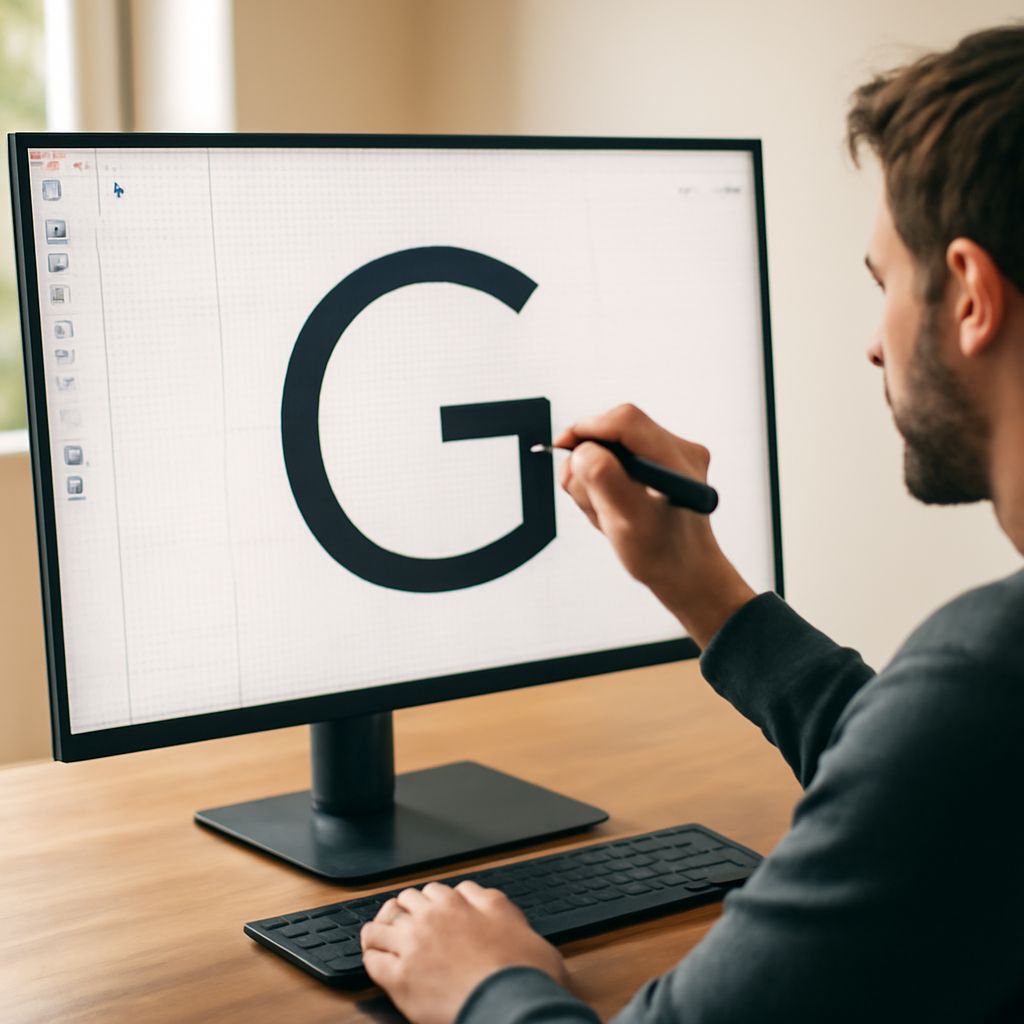
How to Make Your Handwriting a Font: A Step-by-Step Guide
Have you ever wondered how to make your handwriting a font? Imagine the uniqueness of having your own distinct style turned into a typeface that you can use on your digital documents. This process not only helps you create custom font styles that are personalized but also offers a way to preserve your unique handwriting style. So, how do you transition from pen and paper to creating a digital font from your handwriting?
In this guide, you’ll discover how to make font from handwriting, transforming your personal script into a typeface that reflects your identity. We’ll explore the necessary tools and detailed steps involved, ensuring that by the end, you have a personalized font ready for use in your digital content.
Why Turn Your Handwriting into a Font?
Personalize Your Digital Content
Creating a font from your handwriting is an excellent way to infuse your personality into your digital projects. Whether you’re designing invitations, writing personal letters, or crafting unique graphics, a custom font adds a personal touch that standard fonts can’t match. This individual flair can make your content more engaging and memorable for your audience.
Preserve Your Unique Style
Your handwriting is a reflection of your personality and style. By turning it into a font, you preserve that uniqueness in a digital format. This not only ensures that your distinctive style is maintained, but it also allows you to share it with others in a versatile and accessible way.
Tools Required to Create Custom Font
Software and Online Platforms
To make your handwriting a font, you will need access to certain software and online platforms. Popular choices include Adobe Illustrator for design work and FontForge for font creation. Online tools such as Calligraphr are also available, providing user-friendly interfaces for those new to font design.
Choosing the Right Tools
Selecting the appropriate tools is crucial to successfully create custom font styles. Consider your experience level and the specific features you need—some platforms offer more advanced settings for detailed editing, while others provide basic functionalities suitable for beginners. Evaluate these options to find the best fit for your project.
Step-by-Step Process to Make My Handwriting a Font
Preparing Your Handwriting Samples
Begin by writing out all necessary characters and symbols on a clean sheet of paper. Ensure that your handwriting is clear and consistent, as this will form the base of your font. Scan or photograph your samples, ensuring the images are high-quality and easy to read.
Uploading and Editing the Font
Upload your handwriting samples to your chosen software or platform. This step typically involves converting your scanned images into vector graphics. Use the editing tools available to refine each character, adjusting spacing and alignment to ensure consistency throughout the font.
Finalizing and Testing Your Font
Once edited, it’s time to finalize your font. Use the software to generate the font file, then install it on your computer. Test your new font by typing out various texts to check for any inconsistencies or errors. Adjust as necessary to perfect the result.
Tips for a Successful Handwriting to Font Conversion
Ensuring Consistency and Clarity
Consistency is key when you make font from handwriting. Ensure each character is uniformly styled and sized to maintain readability. Pay attention to the clarity of your handwriting in the initial samples, as this will greatly affect the final product.
Experimenting with Styles
Don’t be afraid to experiment with different styles or variations of your handwriting. This can provide you with multiple custom font options, enhancing your creative projects. Consider trying out different writing instruments or paper types to see how they affect the outcome.
Common Challenges and How to Overcome Them
Troubleshooting Font Software Issues
Technical issues with font software can be frustrating. Ensure you are using an up-to-date version of the software and seek online tutorials or forums if you encounter problems. Many platforms offer support services that can guide you through common issues.
Dealing with Character Errors
Character errors can occur during the digitization process. Regularly check each character during the editing phase to catch and correct errors early. Use the test phase to identify any lingering mistakes and make necessary adjustments to improve your font’s overall quality.