Calligraphy Ink, Design, Name Art, and Software Guide for Modern Lettering Artists
What separates truly beautiful calligraphy from ordinary handwriting? The answer begins with calligraphy ink — the medium that carries every stroke from nib to paper with the depth, flow, and permanence that makes calligraphic mark-making so visually distinctive. Whether you’re developing your calligraphy design skills, learning to render a personalized calligraphy name, exploring how to create your calligraphy name digitally, or evaluating calligraphy software for your studio practice, this guide covers the full spectrum.
From traditional ink chemistry to contemporary digital tools, calligraphy has never offered more creative pathways. Let’s explore the fundamentals and the cutting edge together.
Calligraphy Ink: Types and Selection
Calligraphy ink formulations vary significantly in their chemistry, behavior, and appropriate applications. Iron gall ink — the historical standard for manuscript calligraphy — produces intense black marks that deepen over time through oxidation. It flows beautifully from pointed nibs but is mildly acidic and can corrode metal nibs if left to dry in them. Always clean your nib thoroughly after working with iron gall calligraphy ink.
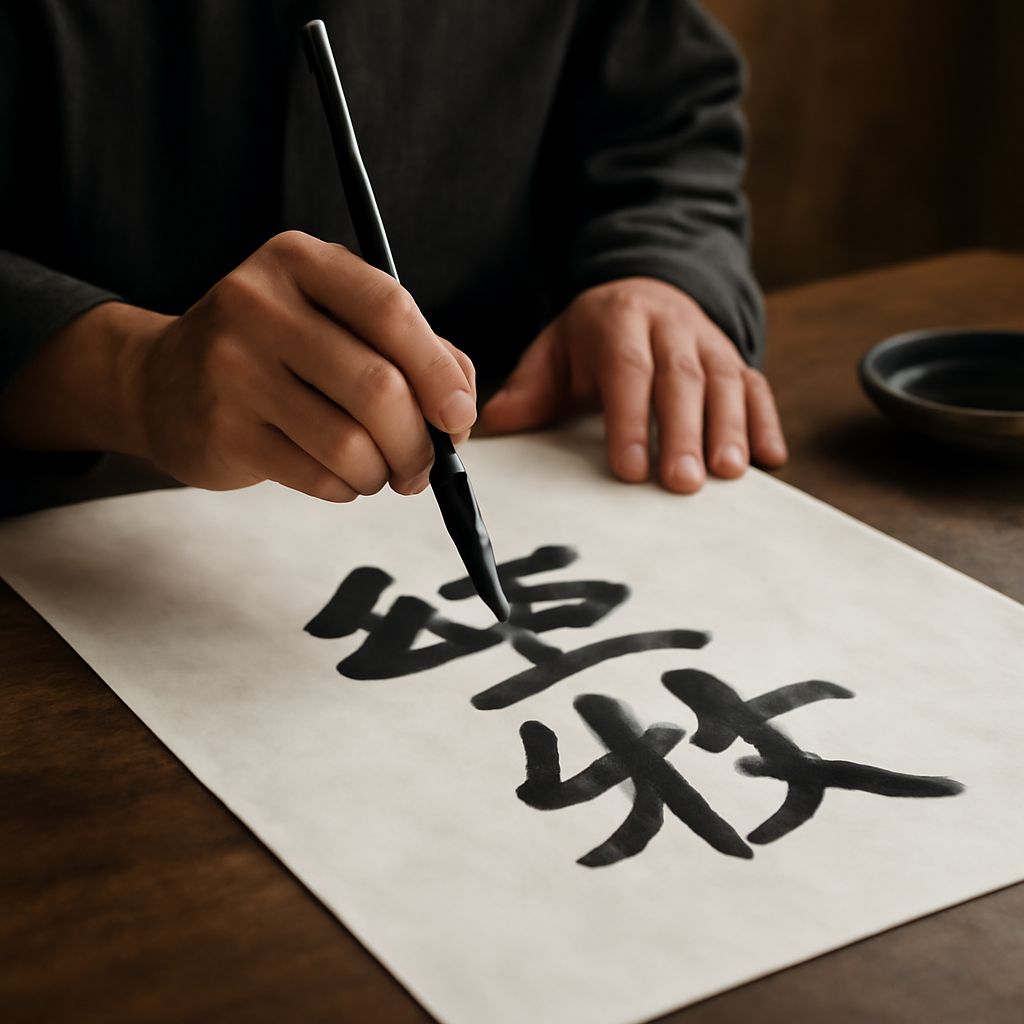
Sumi ink, derived from carbon black suspended in water, is the preferred calligraphy ink for East Asian brush calligraphy traditions. It flows smoothly from brush to paper, can be diluted for grey washes, and is archival when fully dry. Sumi ink is increasingly popular among Western pointed pen calligraphers for its deep, matte black quality and forgiving flow characteristics.
Calligraphy Design Principles
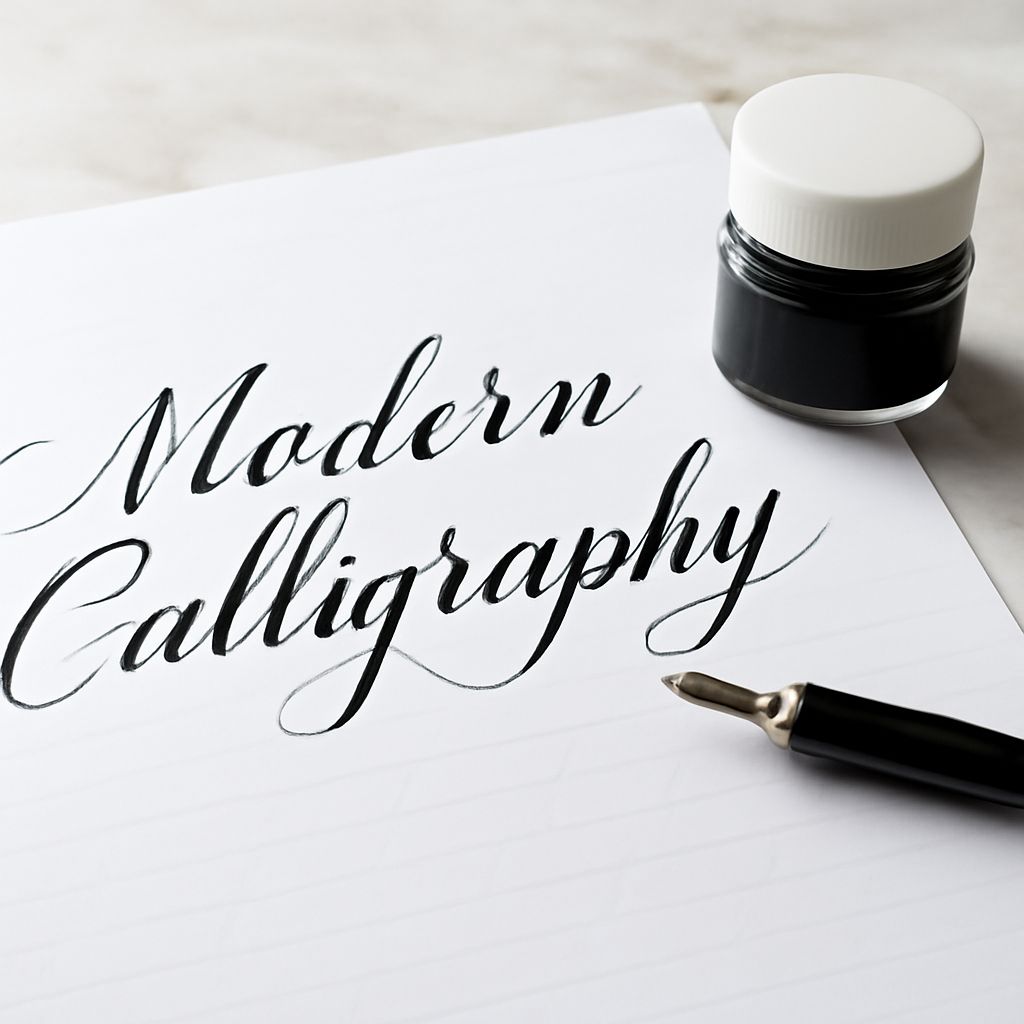
Calligraphy design encompasses both the individual letterform and the overall compositional arrangement of text on a page or surface. At the letterform level, calligraphy design relies on the controlled variation of stroke weight — thick downstrokes created by spreading the nib or brush under pressure, thin upstrokes created by lifting that pressure on the return. This thick-thin rhythm is the visual heartbeat of all calligraphic traditions from Western copperplate to Arabic Thuluth to Chinese kaishu.
At the compositional level, calligraphy design addresses how text occupies space: alignment, spacing between words and lines, the use of flourishes and decorative elements, and the relationship between lettering and any surrounding illustration or ornament. Study historical exemplars from illuminated manuscripts, Japanese shodo scrolls, and traditional Islamic calligraphy to see how master calligraphers have solved these compositional challenges across different cultural contexts.
Creating Your Calligraphy Name
A personalized calligraphy name has become one of the most popular entry points into lettering for beginners. Learning to render your name in a calligraphic style gives you an immediately practical outcome — a signature, a personal logo, a gift — while teaching all the foundational techniques the art form requires.
To create your calligraphy name by hand, start with pencil guidelines that establish your writing slope angle and letter height. Practice each letter in your name individually before connecting them. Pay special attention to the connecting strokes that join letters — these connecting hairlines are often where beginner calligraphers struggle most. If you want to create your calligraphy name digitally, apps like Procreate with a pressure-sensitive stylus simulate the thick-thin variation of traditional calligraphy convincingly.
Calligraphy Software for Digital Work
Calligraphy software has advanced significantly in recent years. Procreate remains the top choice for tablet-based calligraphy work, with a strong library of calligraphy brush presets and excellent pressure sensitivity. Adobe Fresco offers calligraphy-specific brushes with vector output capability, ideal for work that needs to be scaled for print production.
Dedicated calligraphy software like Inkscape (with calligraphy tool), Xara Designer, and Calligraphr (for creating custom calligraphy fonts from your own handwriting) serve specialized needs within the broader category. When evaluating calligraphy software, prioritize pressure sensitivity accuracy, brush customization depth, and output format flexibility for your specific workflow and end-use requirements.