Watercolor Desktop Wallpaper: Finding and Creating Beautiful Backgrounds
Is your computer screen the first thing you see every morning? If so, a beautiful watercolor desktop wallpaper can genuinely improve your daily mood and visual environment. The soft, luminous quality of watercolor — its translucent washes, organic color bleeds, and gentle textures — translates beautifully to digital screens, creating a calming and aesthetically rich desktop backdrop that feels nothing like the default geometric patterns most operating systems provide.
Whether you’re looking for a free watercolor desktop background to download immediately or you’re interested in creating your own custom watercolor wallpaper desktop design, this guide walks you through both approaches. From sourcing quality watercolor computer background images to DIY digital painting techniques, you’ll have everything you need.
Where to Find Watercolor Desktop Backgrounds
Several platforms specialize in high-resolution desktop wallpaper watercolor imagery. Unsplash and Pexels offer free watercolor desktop wallpaper options from professional photographers and artists, licensed for personal and commercial use. Search terms like “watercolor wash,” “watercolor abstract,” or “watercolor floral” surface the most popular styles. Wallpaper Flare and WallpaperAccess host large curated collections specifically organized for screen dimensions.
For premium watercolor desktop background options, Creative Market and Etsy sellers offer hand-painted watercolor wallpaper packs in multiple resolutions for different screen sizes. These paid options typically feature more sophisticated color palettes and unique artistic approaches compared to the generic free resources. When purchasing, always verify the resolution is appropriate for your screen — a wallpaper watercolor image intended for a 1080p monitor will look blurry on a 4K display.
Creating Your Own Watercolor Wallpaper Desktop
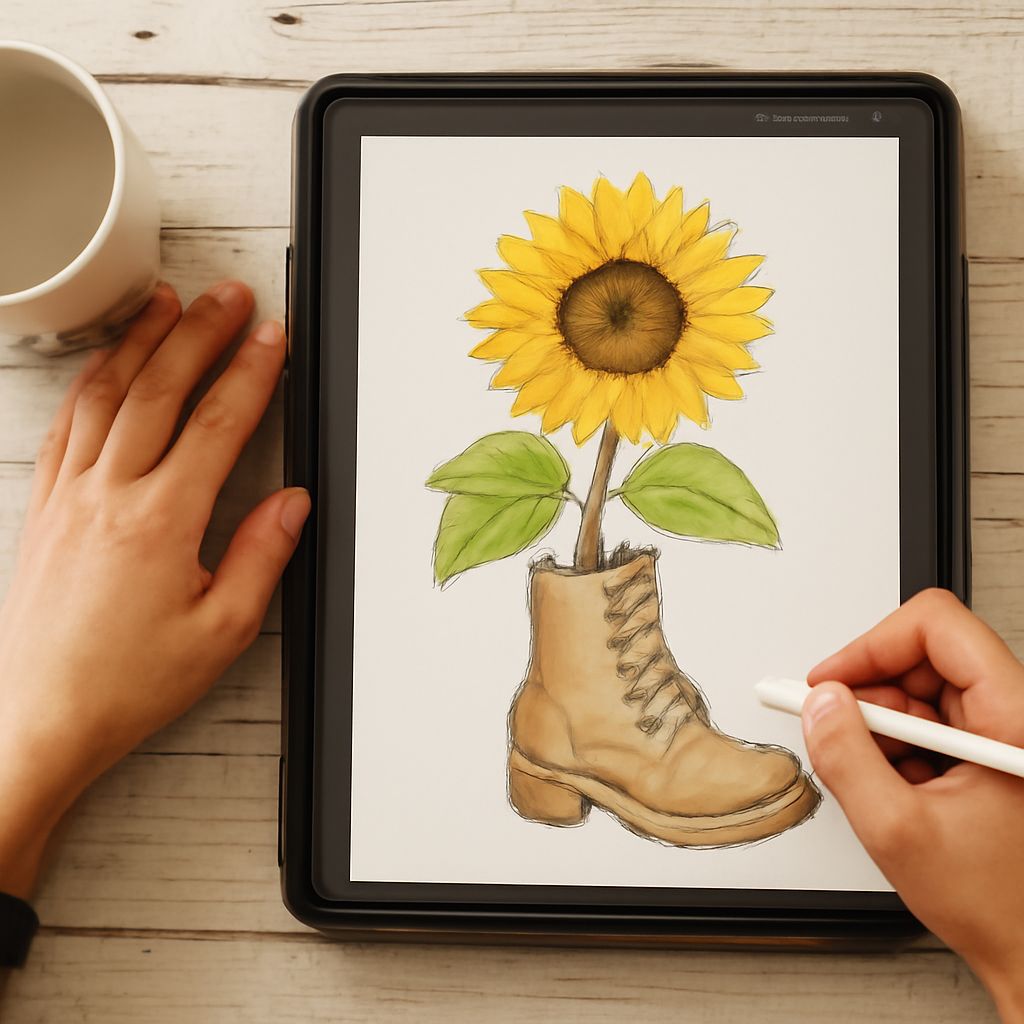
Creating your own watercolor desktop wallpaper gives you complete control over color palette, subject matter, and mood. In Procreate, start with a canvas set to your screen resolution (typically 1920×1080 for Full HD, 2560×1440 for QHD, or 3840×2160 for 4K). Select a watercolor-style brush — both the built-in watercolor brushes and many free downloadable sets simulate the wet-edge behavior and transparency of real watercolor convincingly.
For a watercolor desktop background with maximum visual impact, build your composition in layers. Start with large, abstract washes that establish the overall color mood, then add increasingly specific elements — botanical details, abstract geometric shapes, or text overlays — in subsequent layers. Keep at least 30% of the composition relatively neutral (light grays, pale creams, soft whites) so desktop icons remain visible against the wallpaper watercolor background.
Color Palette Choices for Watercolor Computer Background
The most effective watercolor computer background designs use cohesive, limited color palettes rather than trying to incorporate every color at once. Popular options include: soft pastels (blush, mint, lavender, peach) for a gentle, feminine aesthetic; jewel tones (sapphire, emerald, burgundy, gold) for a rich, sophisticated feel; earth tones (terracotta, sage, warm cream, dark brown) for a natural, grounded mood; and monochromatic palettes in a single hue for maximum simplicity and elegance.
Consider your screen’s color profile when selecting a watercolor desktop wallpaper palette. Colors that look vibrant on a smartphone screen may appear oversaturated on a calibrated desktop monitor; conversely, colors that look rich on a pro display can appear dull on an uncalibrated laptop screen. View your chosen watercolor computer background at full size before committing to it as your actual wallpaper watercolor display.
Seasonal and Thematic Watercolor Desktop Collections
Building a seasonal rotation of watercolor desktop wallpaper images keeps your screen environment feeling fresh and connected to the time of year. A spring collection might feature soft floral washes in pale pinks and greens; summer brings bold tropical color; autumn calls for deep ochres, burnt oranges, and warm reds; winter suits icy blues, silver-whites, and muted forest greens.
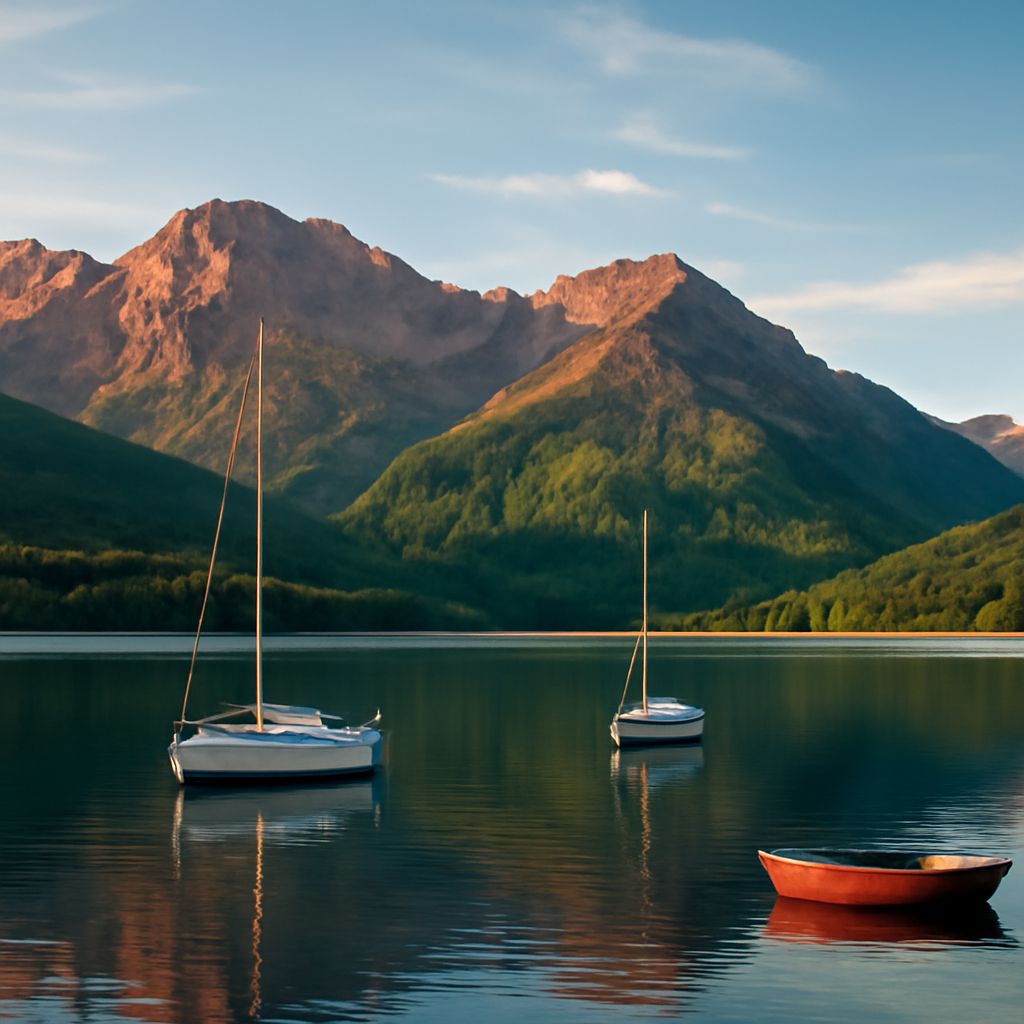
Thematic collections around subjects you love — botanical illustration, abstract geometry, celestial imagery, landscape watercolor — create a visually coherent environment that reflects your personal taste. Rotating through five to ten carefully chosen watercolor desktop background images keeps your workspace feeling intentional and personalized throughout the year.
Pro tips recap: Always download watercolor desktop wallpaper at the highest available resolution for your screen. When creating your own watercolor wallpaper desktop designs, use a dark semi-transparent overlay behind your desktop icon area to ensure readability. Build a seasonal collection of watercolor computer background images so you always have a fresh option ready to install.