Embroidery Fonts: How to Choose and Use the Right Machine Embroidery Alphabet
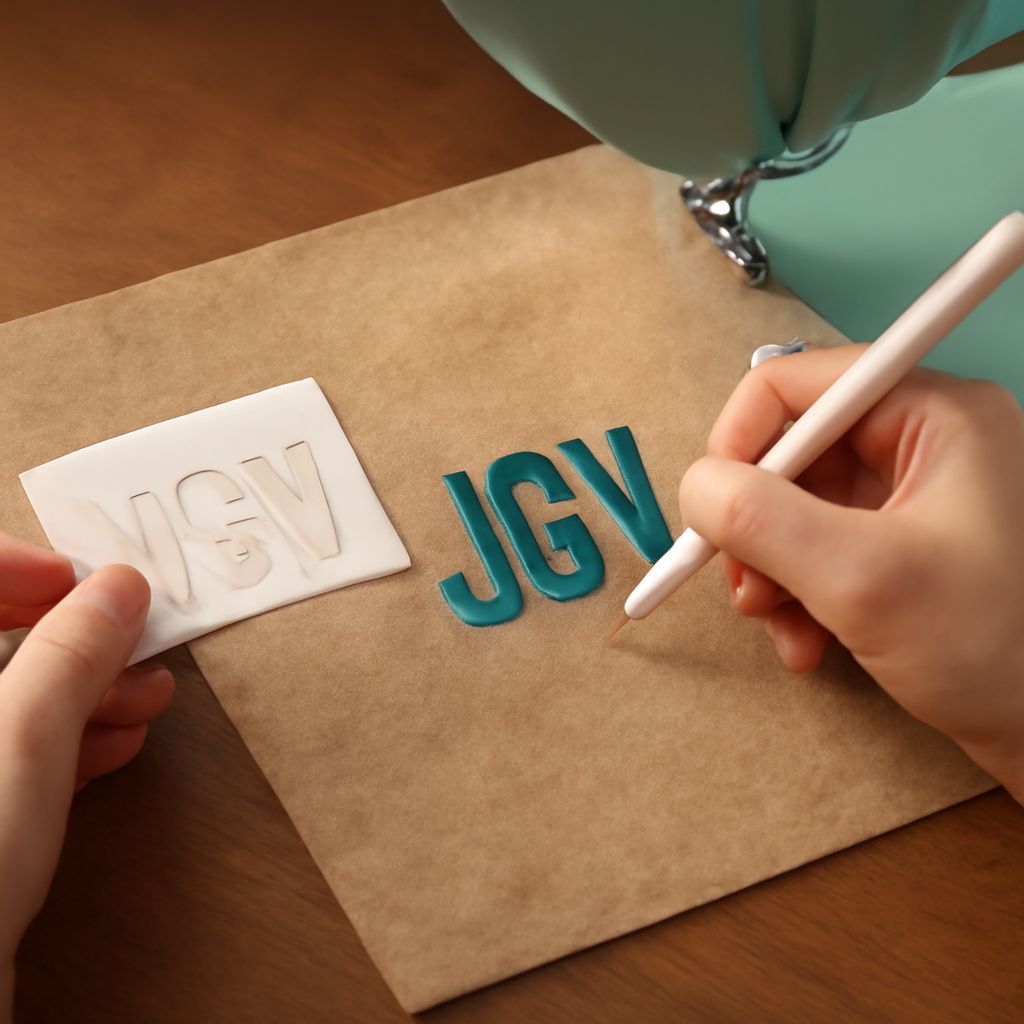
What makes embroidery fonts different from the typefaces you use in design software? The core difference is that embroidery fonts must be digitized specifically for stitching, meaning each letter has a defined stitch path, stitch density, and sequence that a machine follows to produce the letter in thread. A font that looks elegant on screen may stitch poorly if its hairlines are too thin, its curves too complex, or its letter spacing not optimized for thread pull. Understanding what makes fonts for embroidery technically sound helps you choose options that produce clean, durable results on actual fabric.
Machine embroidery fonts come pre-digitized from a font creator or digitizing service, meaning the stitch paths are already encoded in the file. Embroidery alphabet fonts and embroidery font designs vary significantly in quality, stitch style, and size range, and not all of them work equally well across different fabric types and machine types. Knowing how to evaluate and test a font before committing to a full production run saves time, thread, and fabric.
Types of Embroidery Fonts
Satin Stitch Fonts
Satin stitch embroidery fonts create letters from parallel stitches that run across the width of each letter stroke. The result has a smooth, shiny appearance that reads cleanly at moderate sizes. Satin stitch works best for letters between about 6mm and 25mm tall. Below that range, the stitches are too short to lie flat properly; above it, the long satin stitches are prone to snagging. Most standard embroidery alphabet fonts designed for names and monograms use satin stitch construction.
Bean Stitch and Redwork Fonts
Bean stitch embroidery fonts use a triple-run stitch that creates a slightly raised, textured outline appearance. These machine embroidery fonts are simpler in structure than satin stitch options and work at very small sizes where satin stitches would collapse. They are also faster to stitch, which matters for high-volume production. Redwork-style embroidery font designs use a single running stitch that creates a lightweight, hand-embroidered aesthetic.
Fill Stitch Block Fonts
Block-style machine embroidery fonts use fill stitching rather than satin for the letter bodies, which allows larger letter sizes without snagging problems. Fill stitching creates a textured surface rather than the smooth reflective surface of satin, and it is appropriate for letters above 25mm to 30mm in height. Embroidery alphabet fonts with fill stitching work particularly well for large logos and sporting goods applications.
Choosing Fonts for Embroidery
Size Range Compatibility
Every set of fonts for embroidery has a recommended size range listed by the digitizer. This range is the result of testing, not guessing. Scaling embroidery fonts outside their tested range produces poor results: undersized satin stitches bunch and overlap, while oversized satin stitches sag. If your project requires text at a size outside a font’s stated range, look for a different font rather than trying to make the existing one work at an unsupported size.
Fabric Compatibility
Dense, tightly woven fabrics like twill and canvas support embroidery font designs better than knits and stretchy fabrics. Knits require stabilization and may need fonts with lower stitch density to avoid distorting the fabric. When choosing machine embroidery fonts for a new fabric type, always stitch a test sample at your intended size before running the full production order.
Reading the Font at Production Size
What embroidery alphabet fonts look like at 72 pixels on screen and what they look like stitched at 8mm are very different experiences. Download or purchase a font, stitch a test sample at your target size, and examine the physical result before committing. Pay particular attention to the letterforms’ legibility, the smoothness of curves, and whether details in tight letter areas (like the interior of a lowercase e or a) are filling correctly or collapsing.
Installing and Using Embroidery Font Files
Common File Formats
Embroidery fonts come in machine-specific formats rather than universal font file formats. DST, PES, JEF, and EXP are among the most common machine embroidery fonts formats. Make sure the format matches your machine brand before purchasing. Some font sets are sold in multiple formats simultaneously; others require you to select your format at purchase. Embroidery software like Wilcom, Hatch, or Brother PE-Design can sometimes convert between formats if needed.
Personalizing Text in Embroidery Software
Most embroidery software includes a text tool that lets you type your text, select from installed embroidery alphabet fonts, and set the size and color. The software then generates the stitch file automatically. This is the most efficient workflow for production text embroidery. For custom lettering or logo integration, a skilled digitizer arranges embroidery font designs within a larger composition and optimizes the stitch order for efficiency.
Bottom line: Embroidery fonts require more technical consideration than screen fonts, but the right choice for your fabric, size, and machine produces results that look professional and hold up through washing and wear. Test before you commit, stay within the recommended size range, and match your font style to the garment’s intended audience and purpose.